
Markdown Lite
A lightweight yet powerful desktop markdown editor with live preview, HTML/CSS support, GitHub Flavored Markdown, file packing, and one-click HTML export.
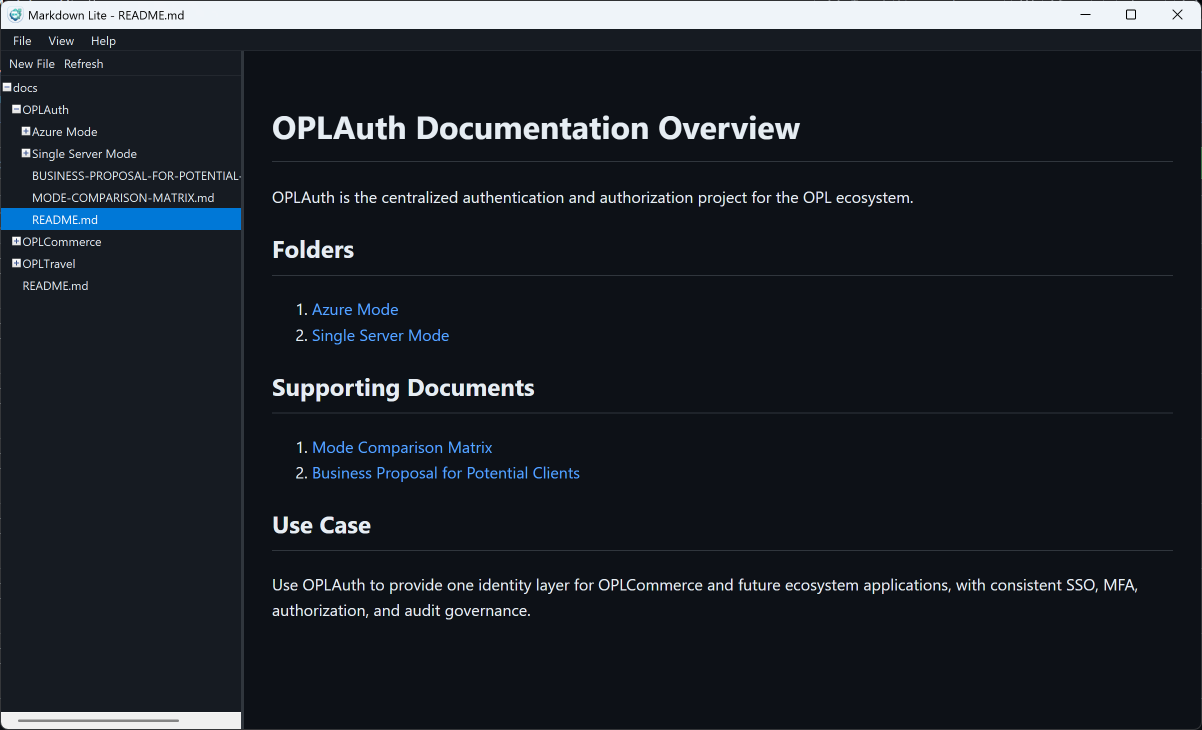
Overview
Markdown Lite is a purpose-built desktop application for creating, viewing, and editing markdown files. It supports standard Markdown, GitHub Flavored Markdown (GFM), and inline HTML/CSS annotations — giving you full control over your content formatting. Whether you're writing documentation, README files, technical notes, or knowledge bases, Markdown Lite provides a distraction-free editing experience with real-time preview.
What sets Markdown Lite apart is its unique file packing and HTML export capabilities. Pack multiple .md files into a single .mdpack file for easy sharing, or export an entire collection into a self-contained, mobile-responsive HTML file with built-in navigation — perfect for distributing documentation without requiring any special software to view.
Key Features
Ideal For
Coming in Next Version
-
MathJax — Render math equations in the browser
-
KaTeX — Fast math typesetting
-
UML Diagrams — Inline diagram support
-
LaTeX — Scientific document formatting
-
PDF Export — Export to PDF directly
Screenshots
See Markdown Lite in action — from editing to exporting.
Live Preview
Real-time rendered preview with internal navigation support alongside the editor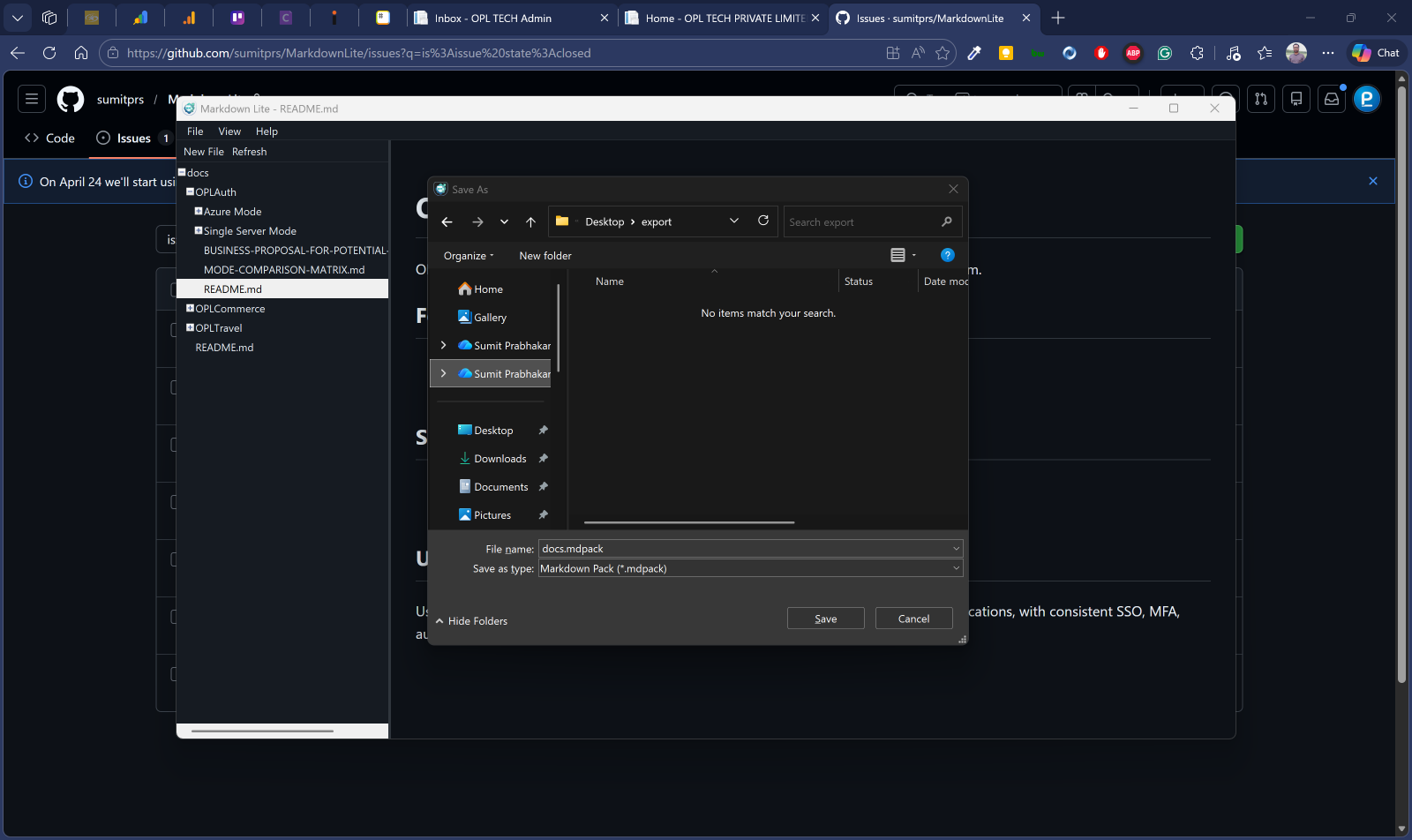
Pack & Unpack
Bundle multiple .md files into .mdpack for easy sharing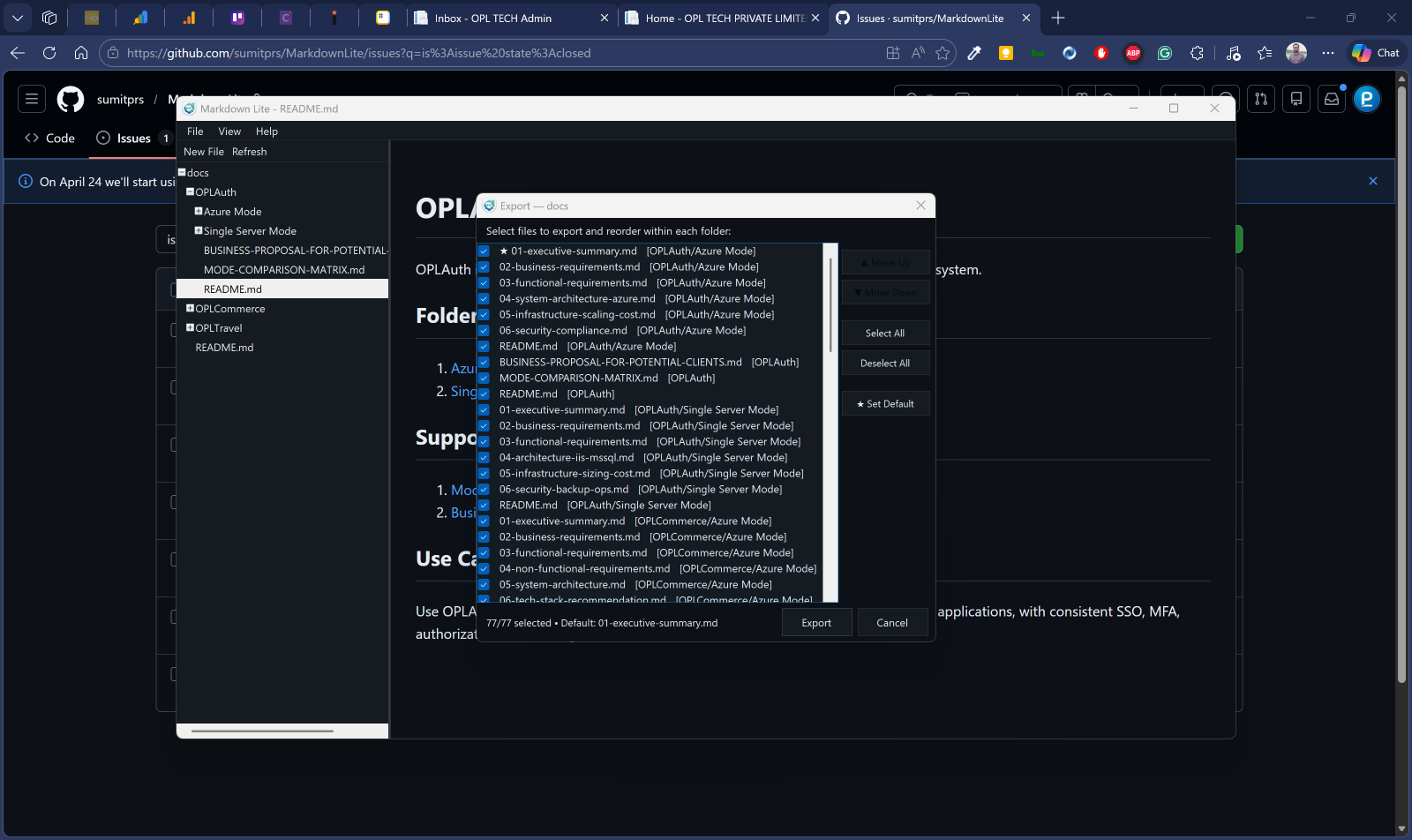
HTML Export
Exported self-contained HTML with navigation sidebar. Sort, reorder, select files, and set default for export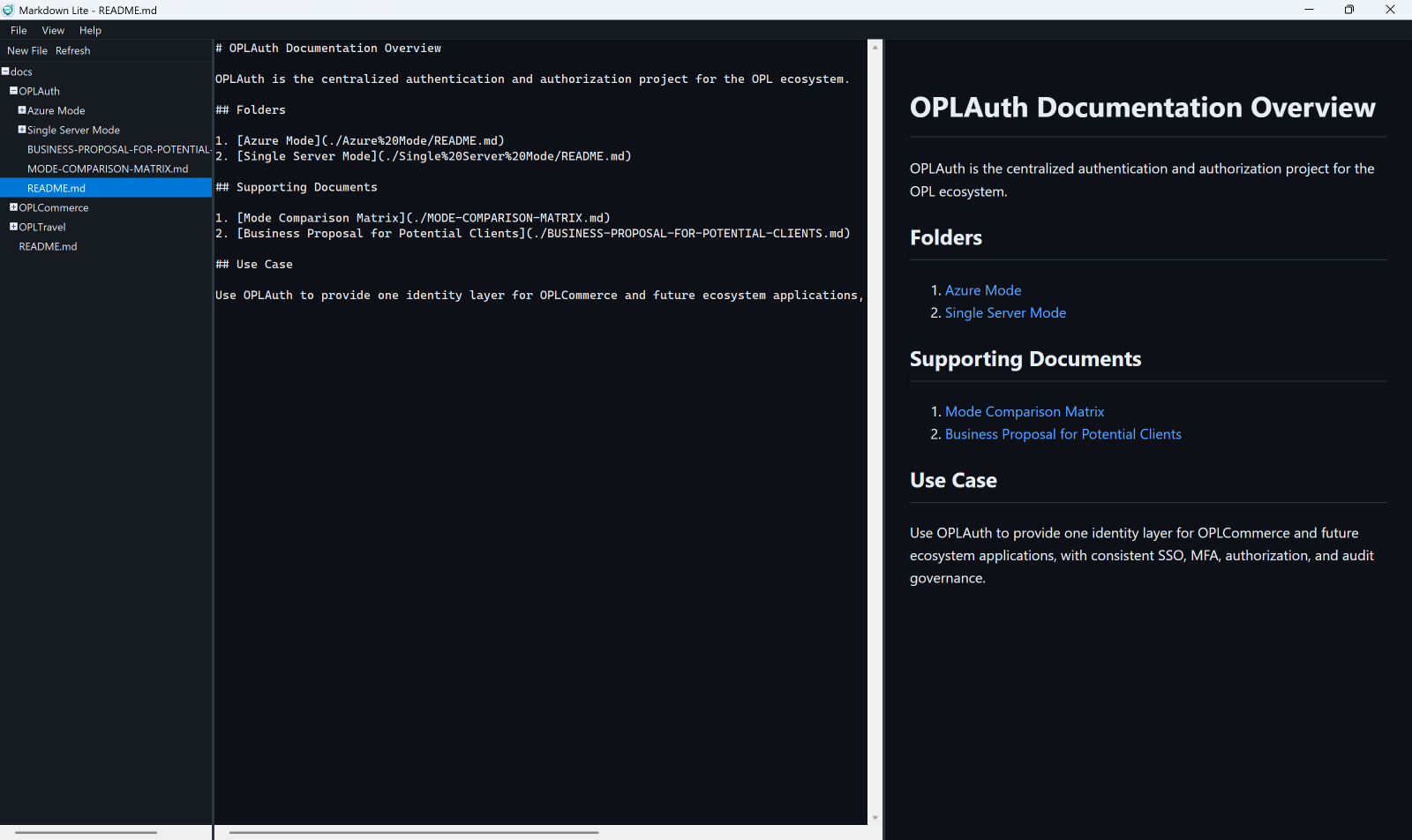
Editor View
Full-featured markdown editor with syntax support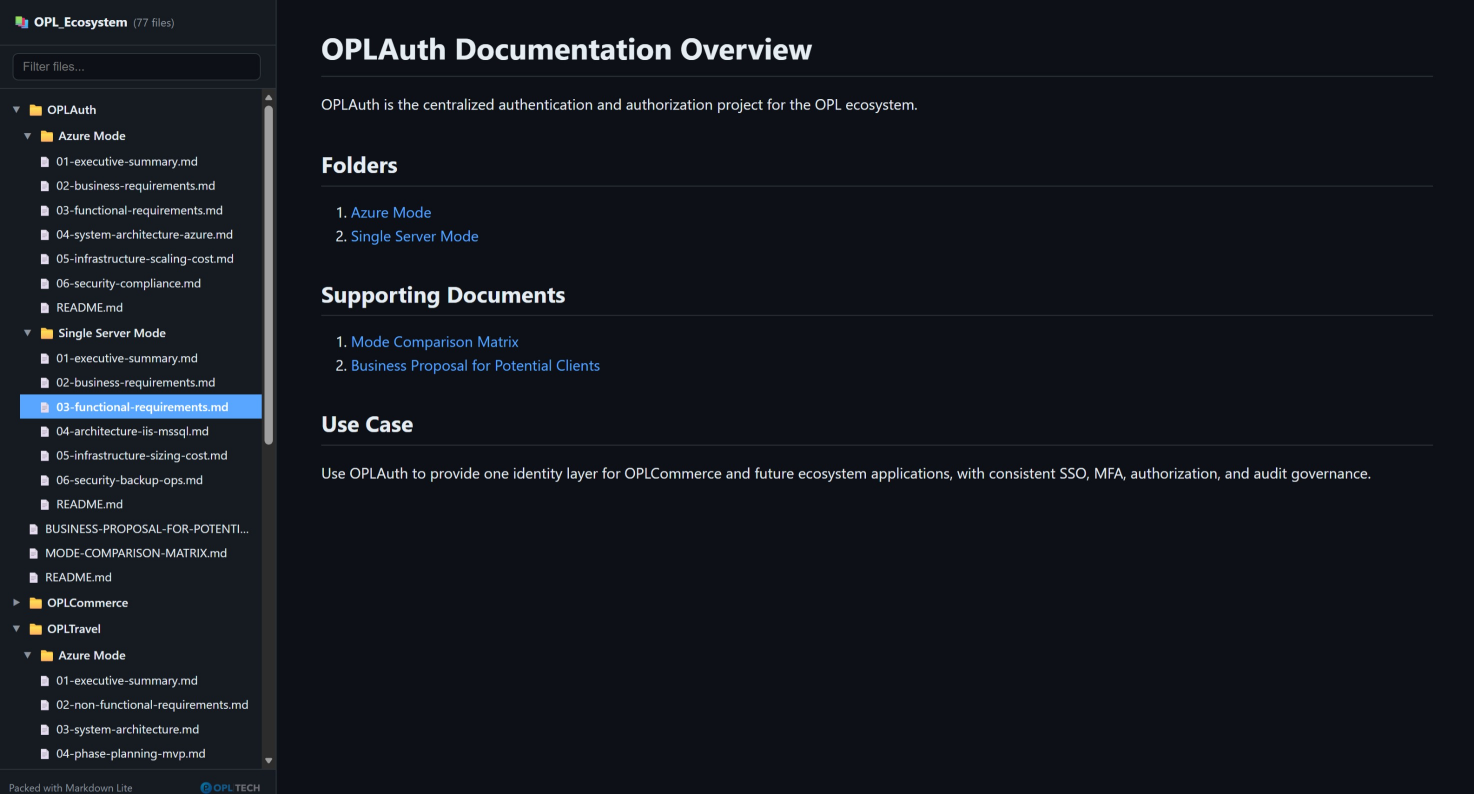
HTML Output
The exported HTML retains the original folder hierarchy and preserves the default file view.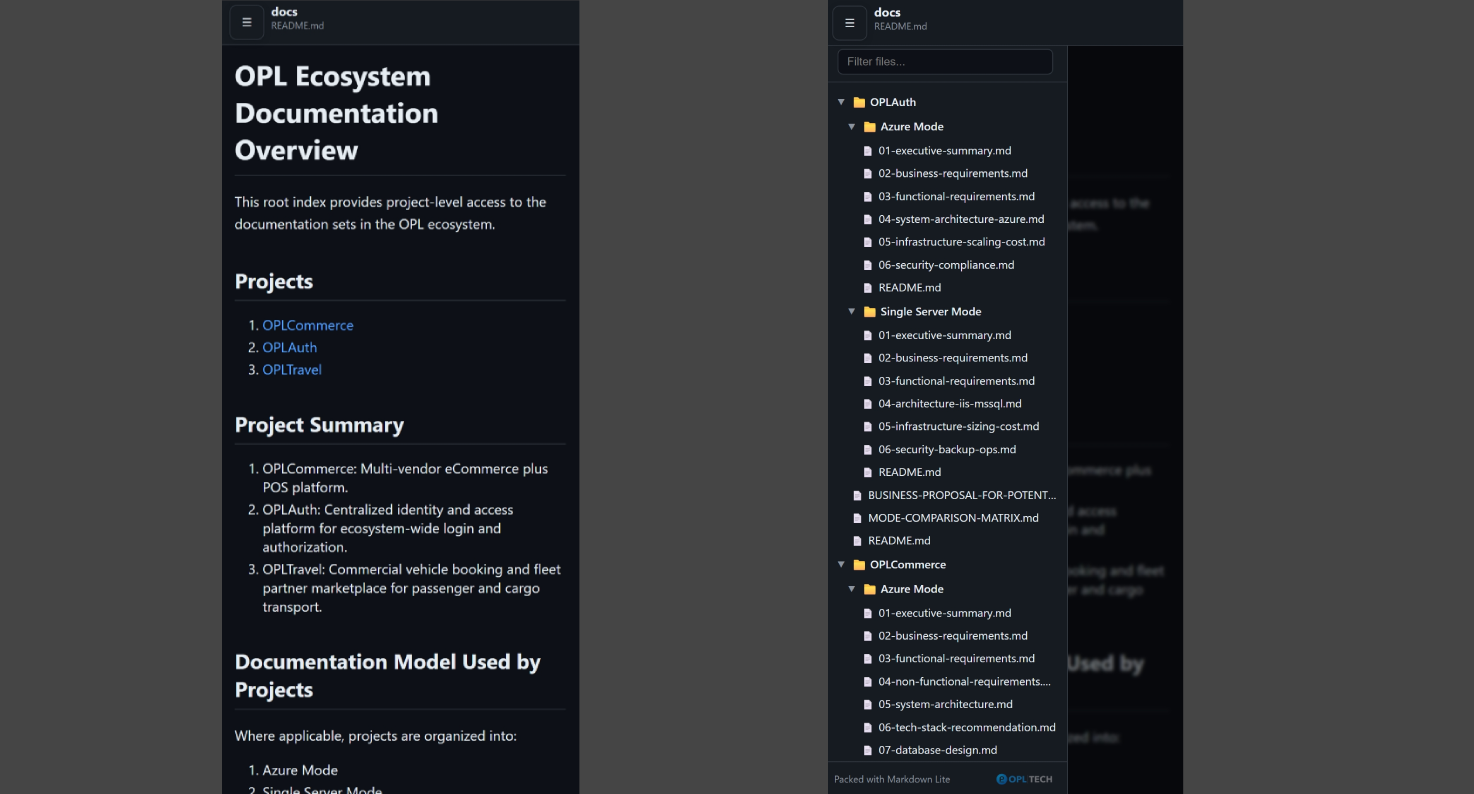
Mobile Responsive Export
The exported HTML is fully responsive, adapting seamlessly to mobile screens with a left-hand navigation drawer for intuitive access.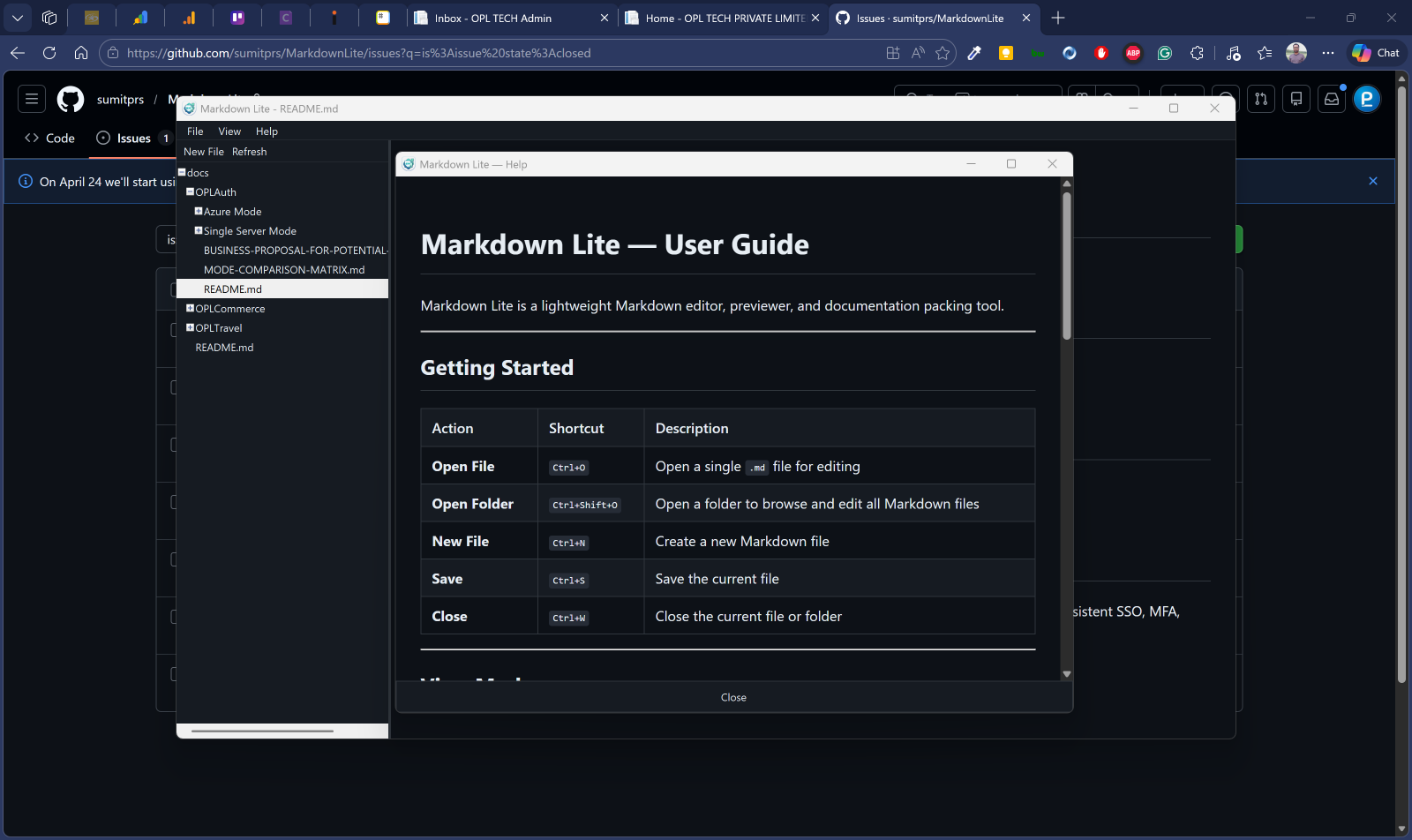
User Guide
An user guide for Markdown Lite application included.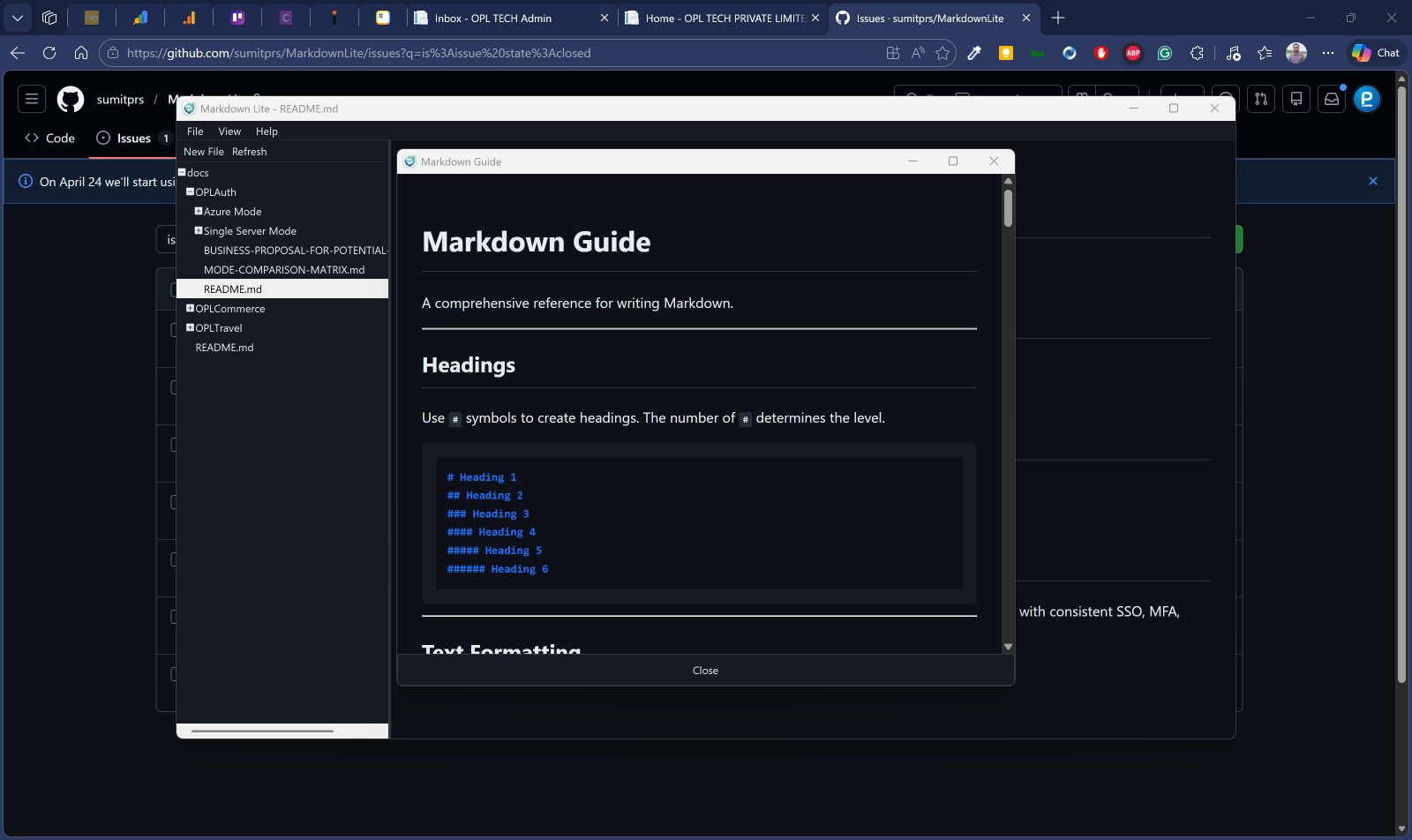
Markdown Writing Guide
A markdown writing guide is included.Ready to Simplify Your Documentation Workflow?
Markdown Lite brings writing, previewing, packing, and exporting together in one tool.
Get in touch to learn more or request a demo.